Your archive stays yours.
Originals remain local and authoritative. Generated previews, captions, embeddings, and indexes can be rebuilt instead of becoming the fragile source of truth.
Self-hosted photo system
photoArchive is open-source, local-first software for photographers who want Google Photos-style memory, Lightroom-style control, and a workflow that learns taste without handing originals to a cloud.
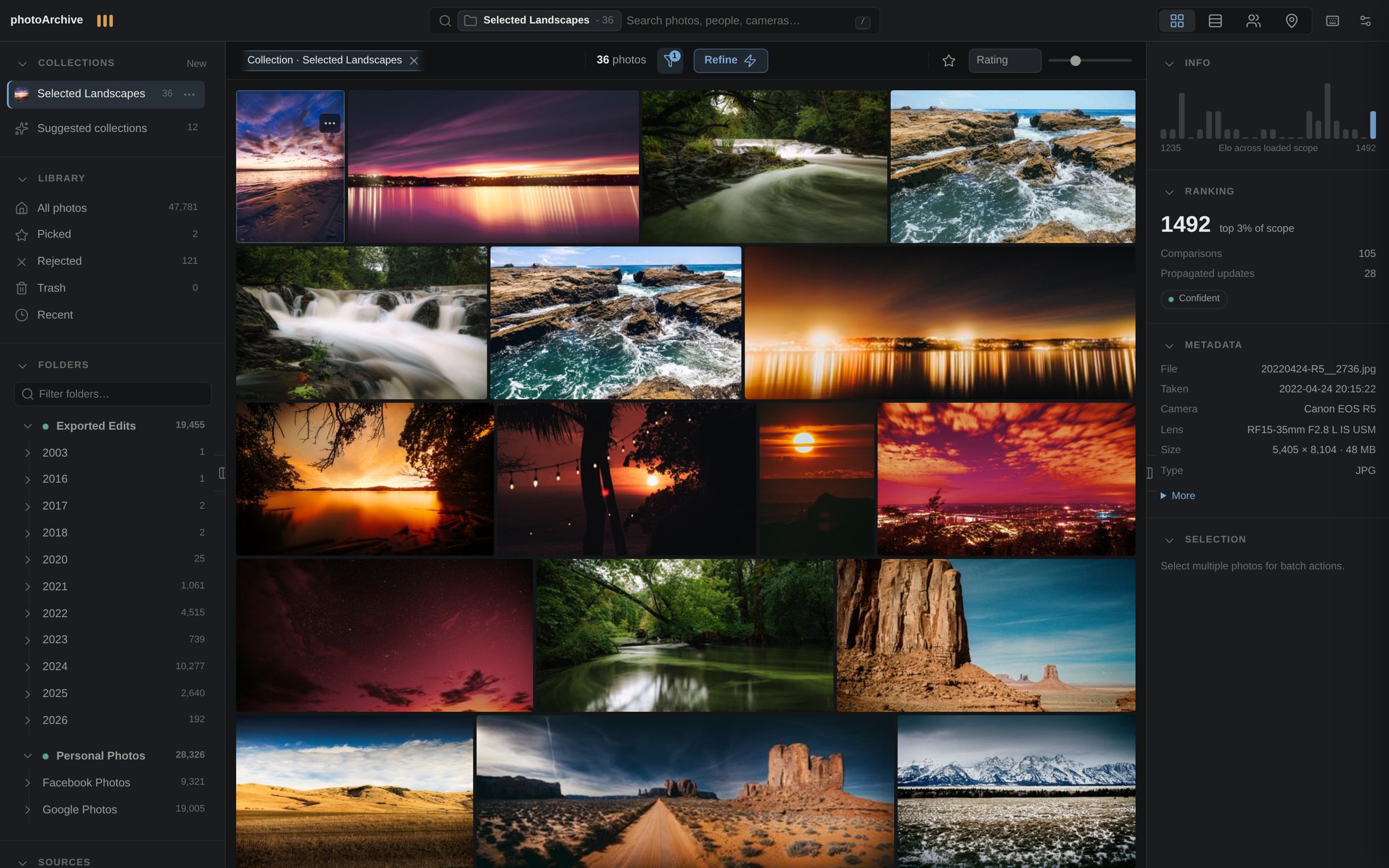
Originals remain local and authoritative. Generated previews, captions, embeddings, and indexes can be rebuilt instead of becoming the fragile source of truth.
Search combines metadata, local vision embeddings, and VLM captions, so a half-remembered scene can be enough to get back to the frame.
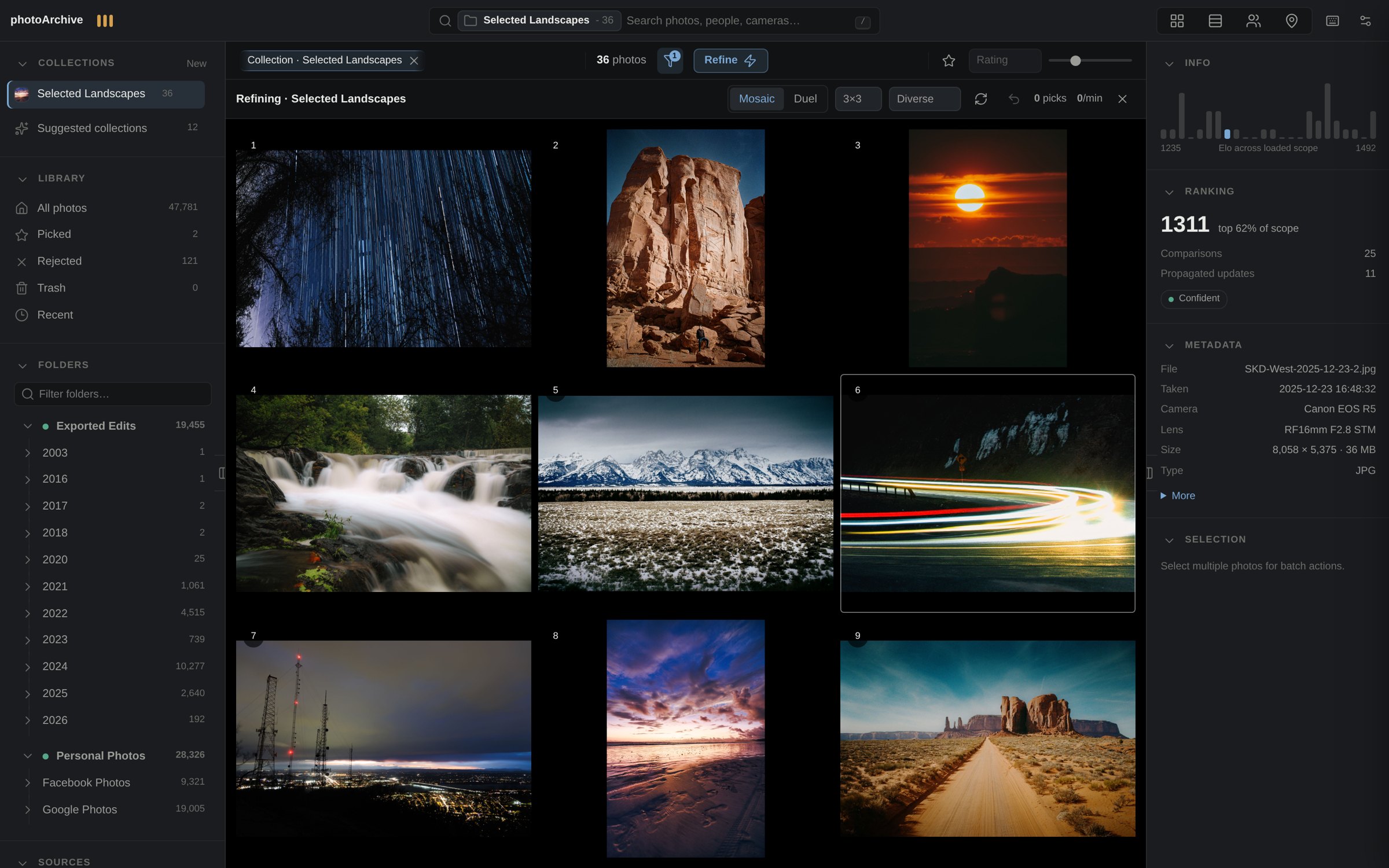
Refine captures preference through quick choices, turning review into ranking signals that make future culling and selection faster.
Workflow
Point photoArchive at real folders; originals stay where they belong.
Search by words, scene, date, camera, folder, or remembered context.
Use visual choices to turn taste into ranking and quality evidence.
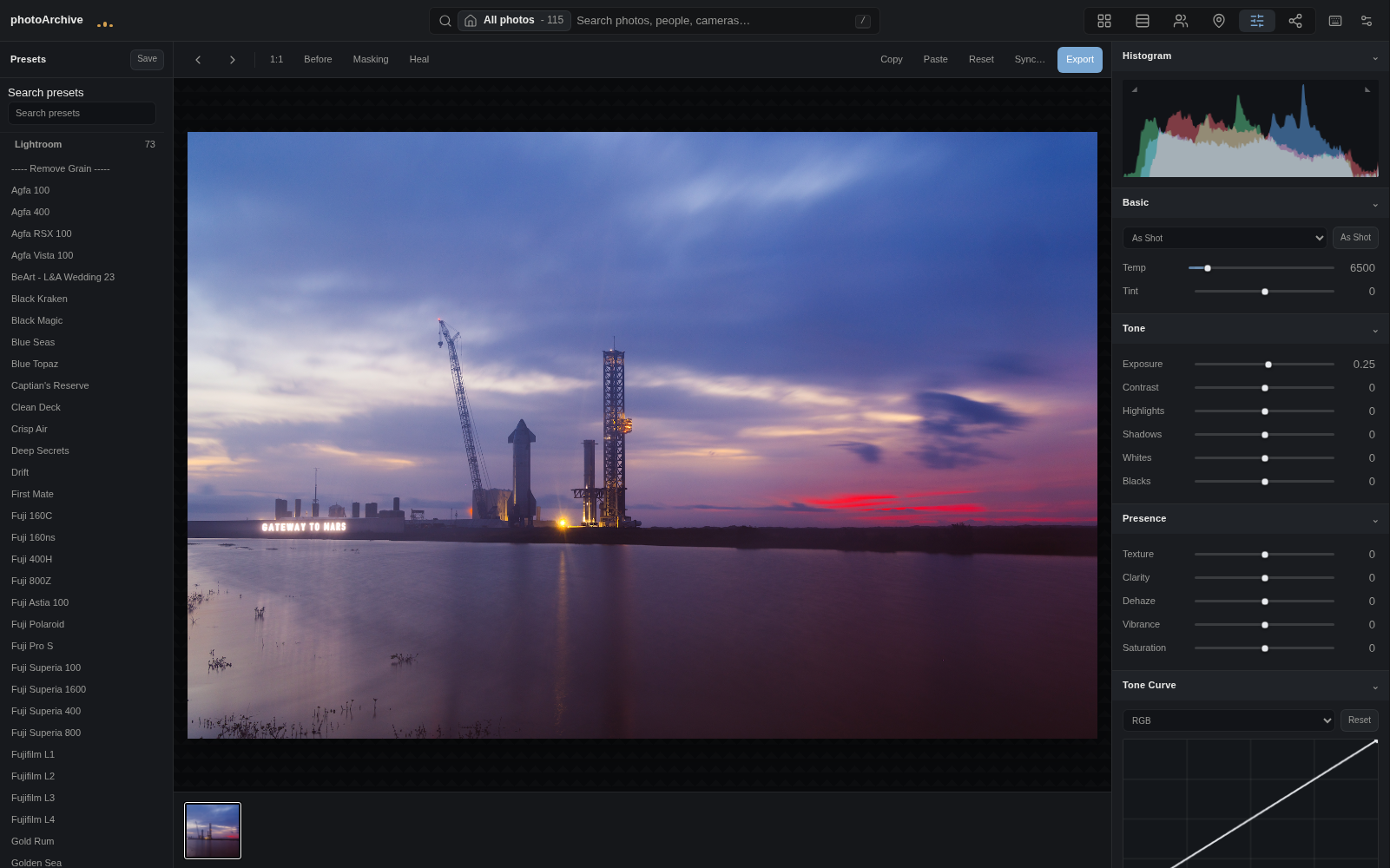
Edit non-destructively with presets, history, proofing, and XMP workflows.
Publish selected work without exposing or moving the source archive.
Feature chapters
Organize & find
photoArchive gives a large folder-based library the speed and memory of a modern photo app. It keeps folder context visible, lets search engines work together, and makes review surfaces feel connected instead of scattered.
Decide
Refine is built around the question photographers actually ask: which frame is stronger? The system turns those lightweight choices into ranking signals, uncertainty, and quality coverage across the working archive.
Develop
The editor now supports a real non-destructive workflow: film UI, reference compare, lens and calibration detail, soft proofing, XMP write-back, saved views, timeline, presets, and history are part of the shipped Dev7 era.
Anywhere & share
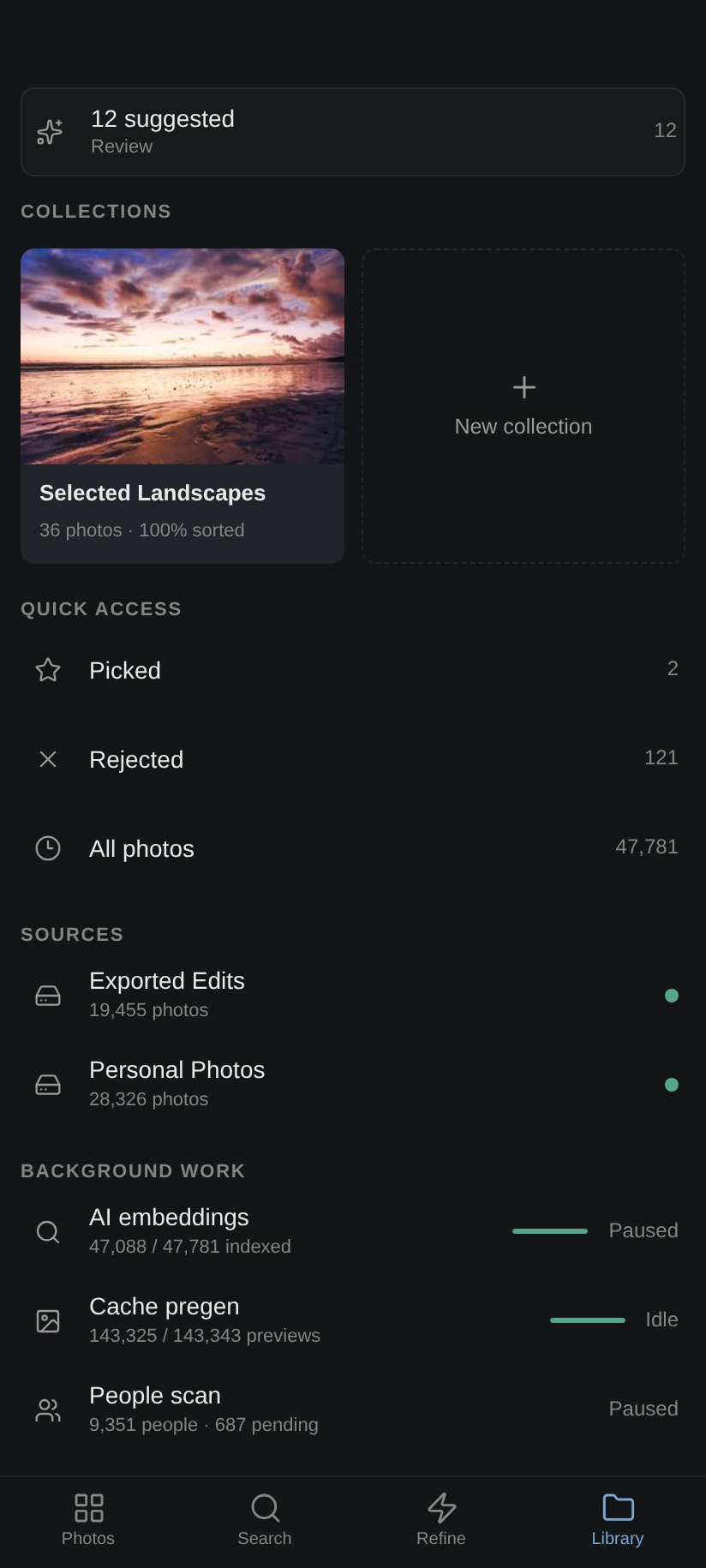
The mobile/PWA surface makes the same self-hosted archive useful on a phone, while sharing and publishing flows keep selected output separate from the local source of truth.
Local-first trust
Originals remain the source of truth. Indexes, previews, captions, embeddings, and caches are product state that can be rebuilt. That keeps the archive portable, recoverable, and understandable.
138,573
Active photos
In the author’s working archive; not a universal performance promise.
2.4M
Ranking signals
Preference data in the author’s working archive.
3
Search engines
Metadata, vision embeddings, and VLM captions.
73
Presets
Lightroom-style presets in the current system.
Availability
photoArchive is software in active use and development. Onboarding, portable storage paths, optional AI packs, the Quick Guide, and recovery UX are shipped. Windows public distribution is still being finished: a real installer exists, but it is not yet public-release-ready.